
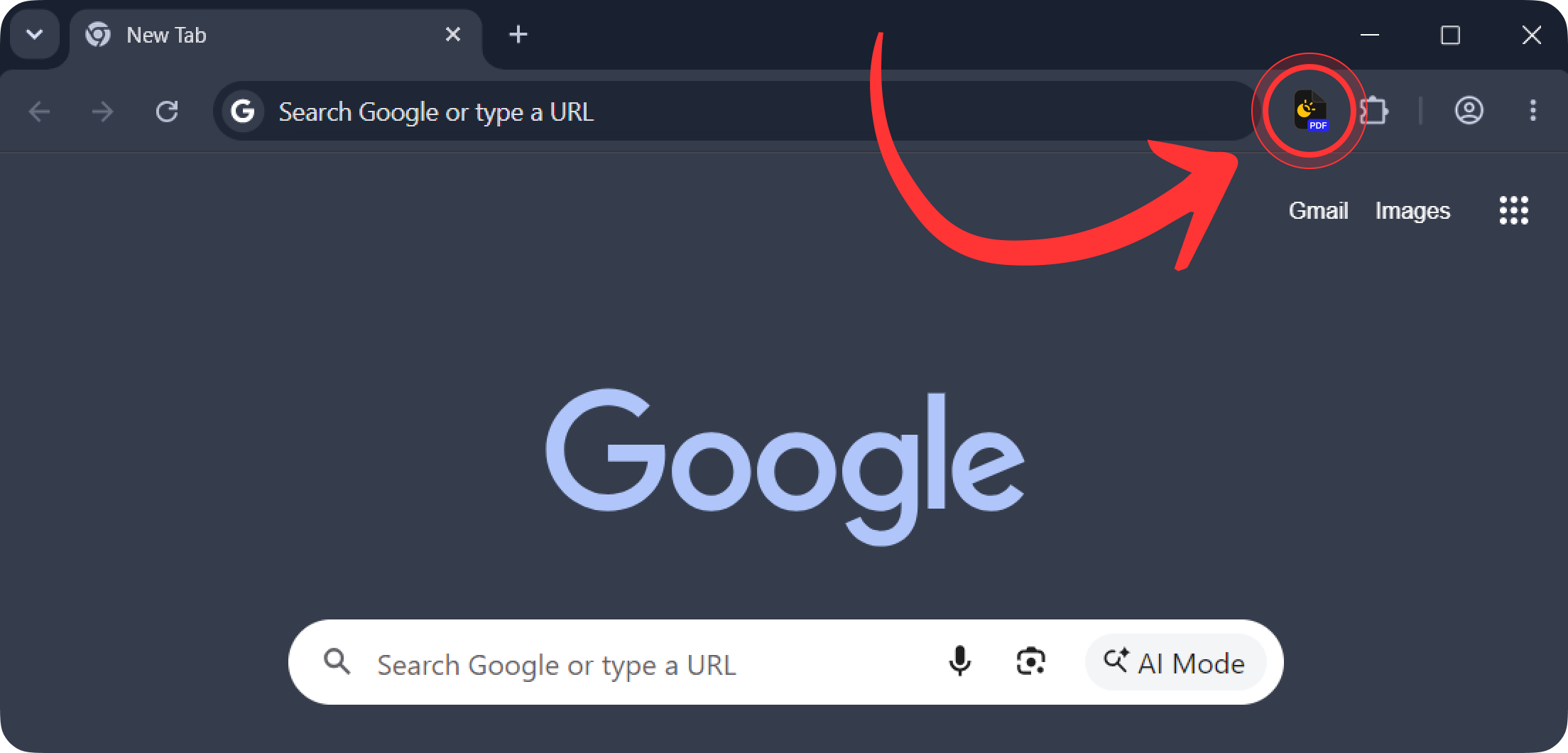
Step 1
Open the extension
Click the Convert PDF Dark Mode icon next to the address bar. The converter opens in its own tab. If the icon is hidden, pin it from the puzzle menu once.

 Convert PDF Dark Mode
This PDF dark mode extension turns specs, manuals, API docs and any other documents into dark PDF files. The text stays real text, so you can still search it and copy code and commands.
 Your file is never uploaded
 Up to 100 MB
 No sign-up
 Before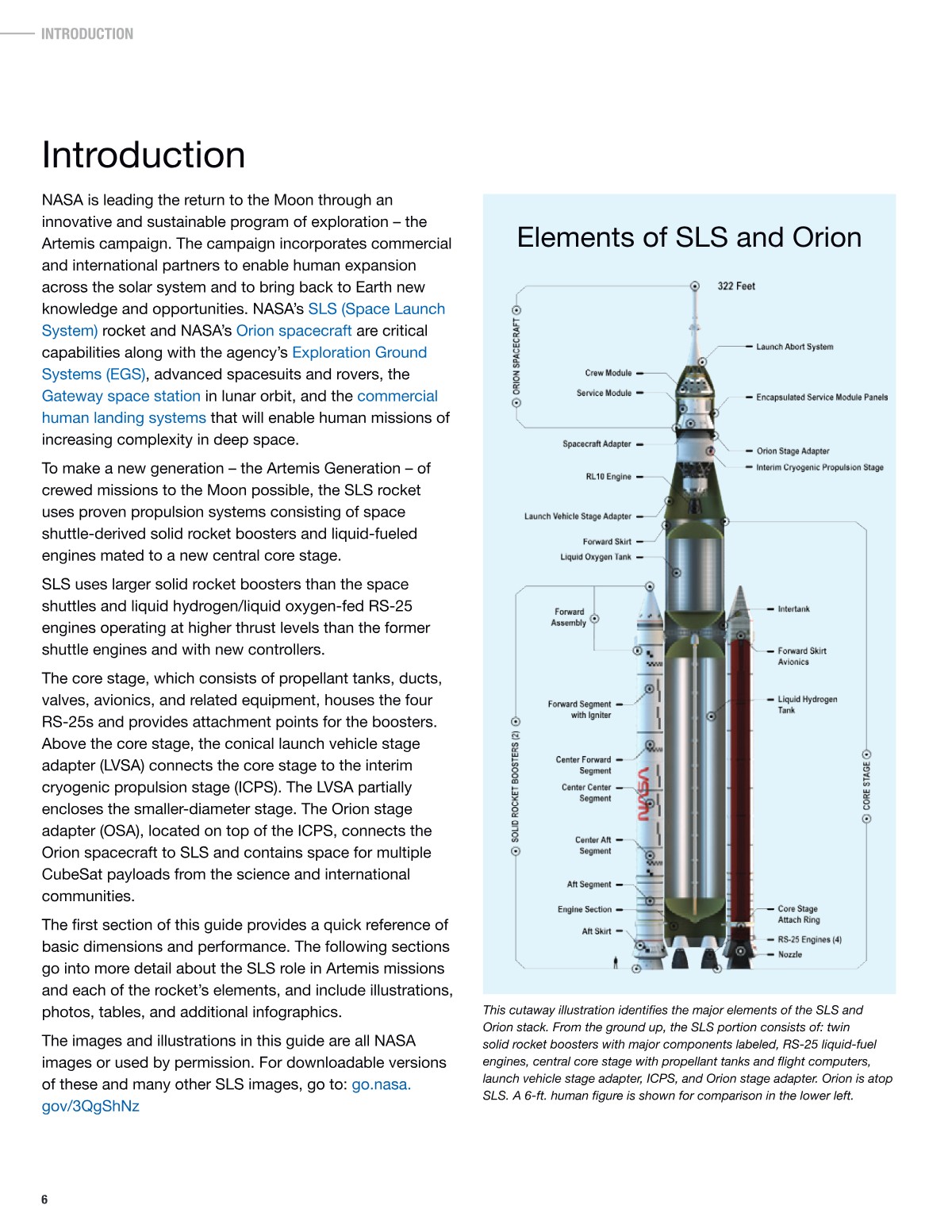
 After
After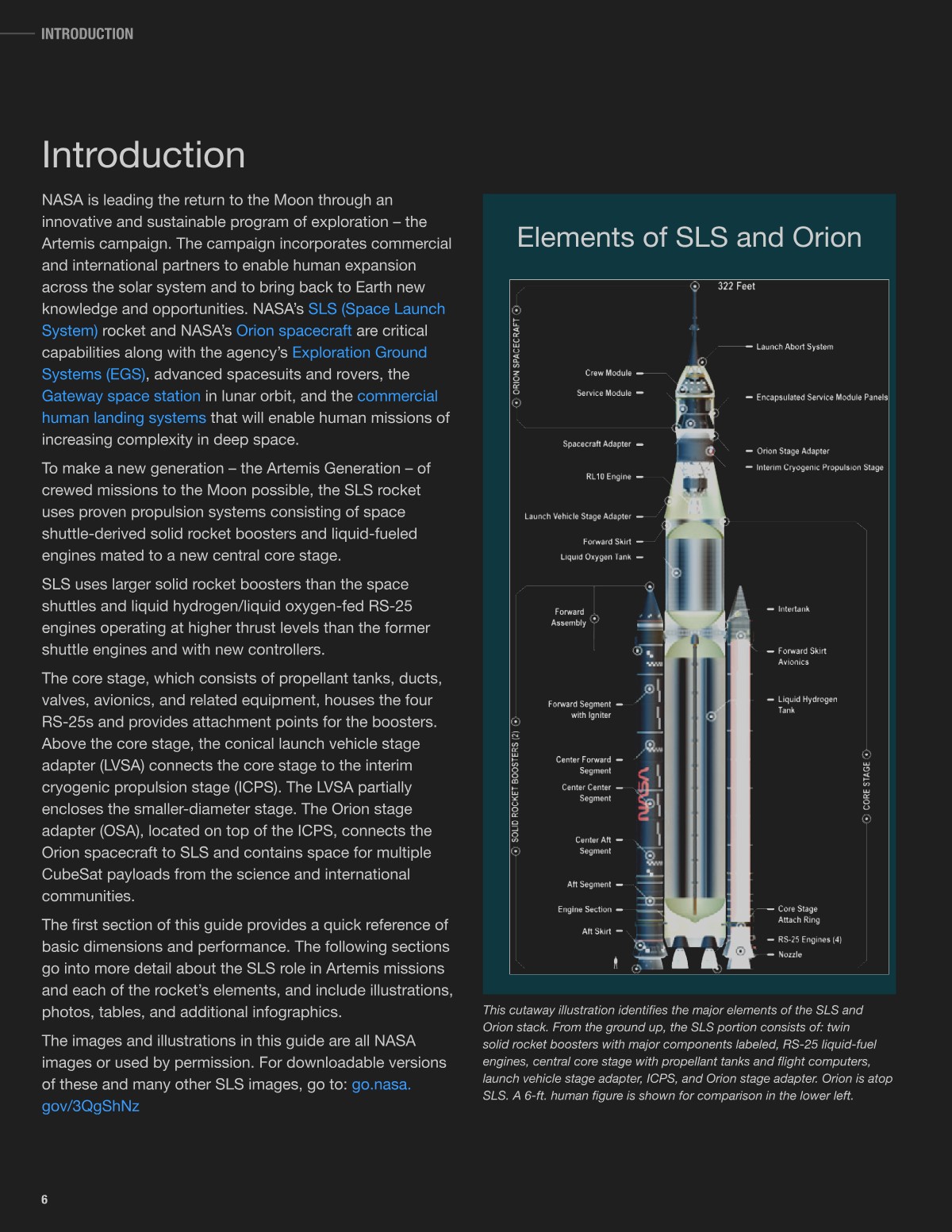
Three steps in Chrome. The extension remembers your settings for next time.
Click the Convert PDF Dark Mode icon next to the address bar. The converter opens in its own tab. If the icon is hidden, pin it from the puzzle menu once.
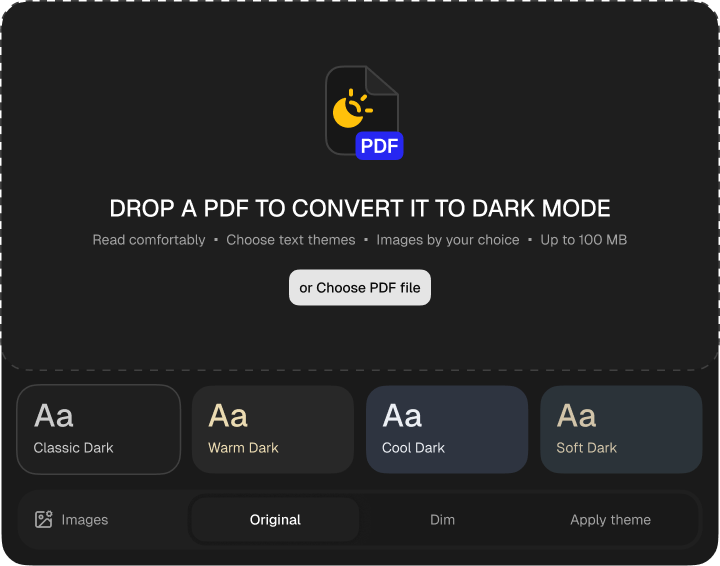
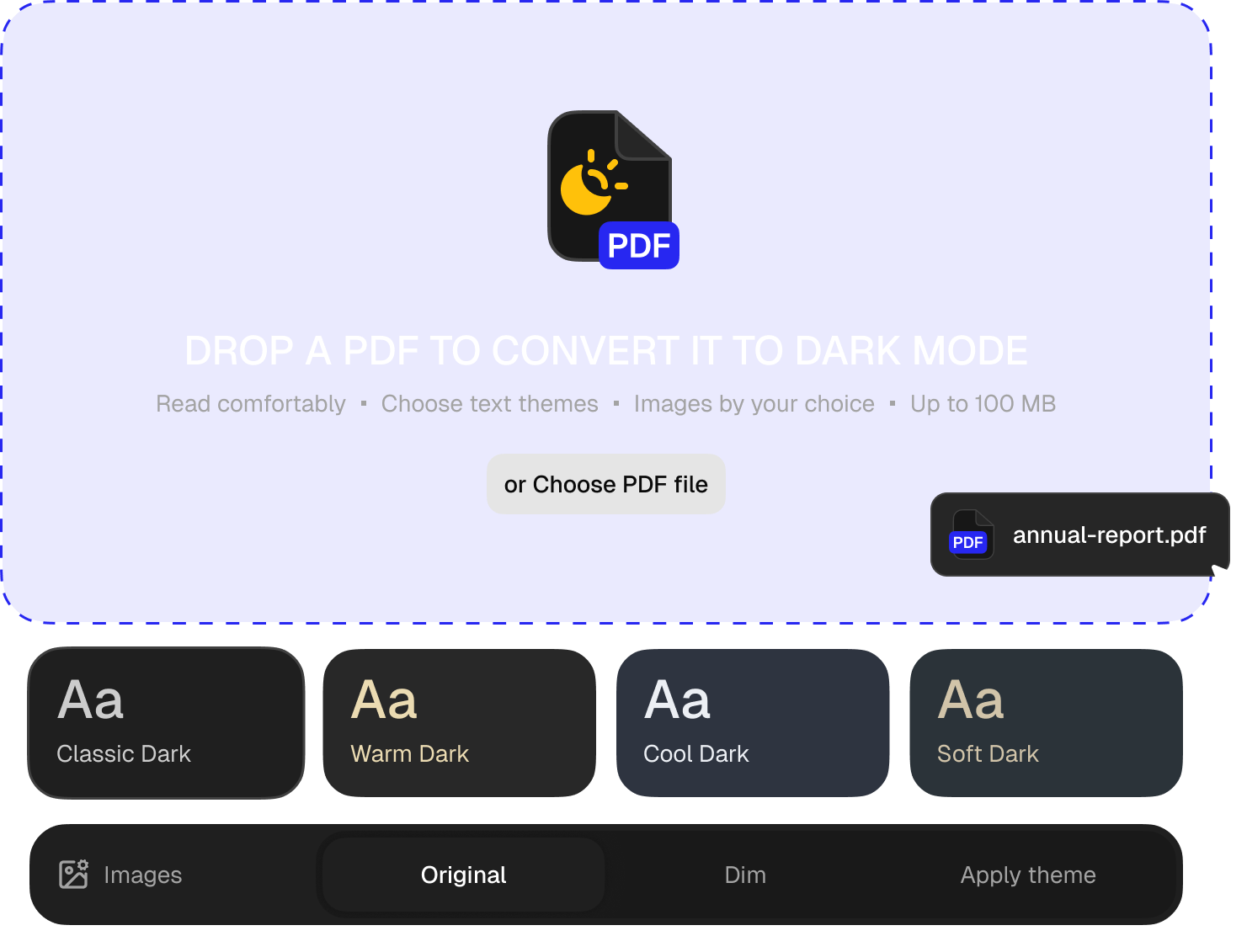
Pick one of four themes and what should happen to images. Then drag the document into the field or choose it from a folder. It can be up to 100 MB.
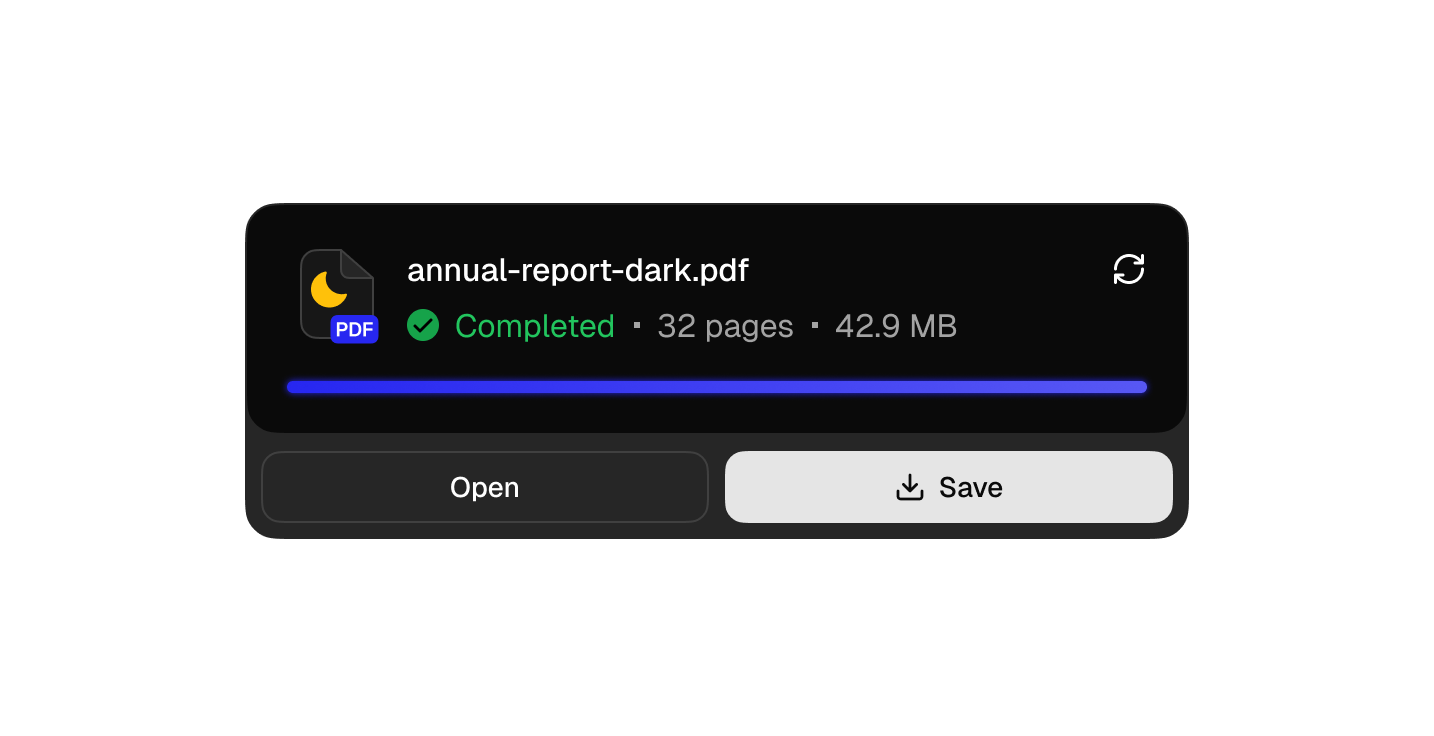
Pages are converted one by one while you watch the progress. Open the copy in Chrome or save it to your computer. The copy gets its own name, so the original is never replaced.
Pick a theme before you convert. Each has a different background and text color. Colored text keeps its hue and only changes brightness, so a red warning is still red.
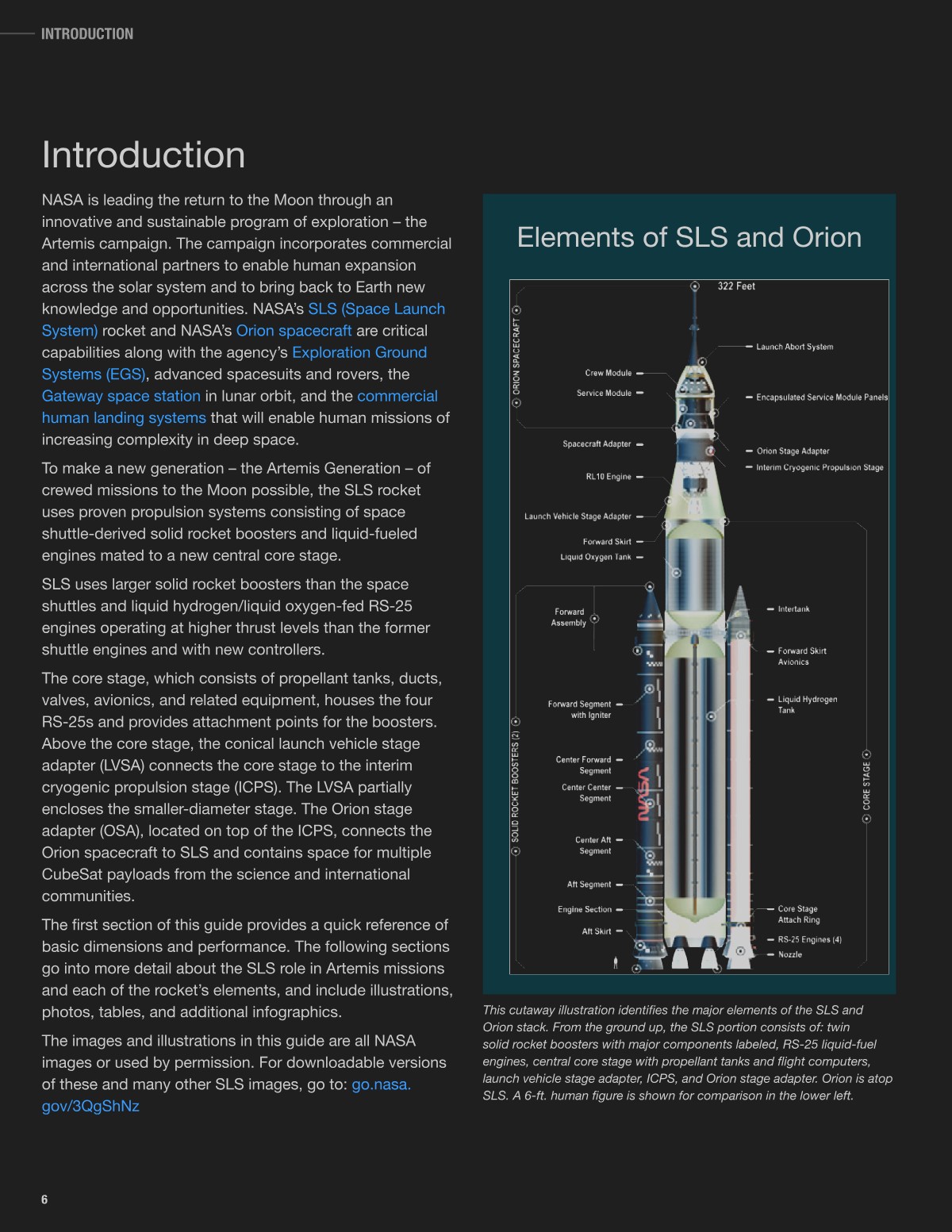
A typical invert PDF colors Chrome extension flips images too, so a blue sky turns orange. Here they have their own setting with three options.
No. This dark PDF Chrome extension converts the file in a tab on your computer and never sends it anywhere.
Yes. Text is not turned into an image, so search, selection and copying work as before. Code samples paste as plain text.
No. A dark PDF reader only changes what you see on the screen, while the document underneath remains white. This PDF dark mode converter puts the new colors into a copy, so you don't need a special viewer at all.
No, it is another name for the same thing. The extension saves your file as a night mode PDF that opens the same way in every app.
Choose Original under Images before you add the file. The page gets the theme colors, and photos keep theirs.
Up to 100 MB. Long documents are converted page by page. You can stop at any moment with the cross next to the file name.
A scan is one image per page. Choose Dim or Apply theme, and the scan is converted too. With Original, the extension tells you the document has only images.
The extension runs in Chrome on a computer. Convert it there, then send the copy to your phone, and it opens in any app with the same colors.
Password-protected and damaged files. The extension shows the reason right away.